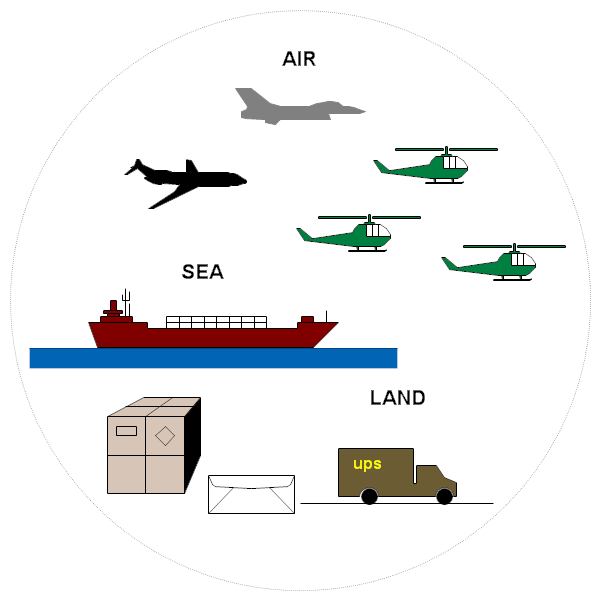
RFFlow has shapes that can graphically describe plans in commerce and
transportation.
If you haven't already done so, first
download the
free trial version of RFFlow. It will allow you to open any chart and make
modifications.
Once RFFlow is installed, you can open the above chart in RFFlow by clicking
on
Transportation_Plan.flo.
From there you can zoom in, edit, and print this sample chart. It is often
easier to modify an existing chart than to draw it from scratch.
To draw this chart without downloading it, run RFFlow and click on the More
Shapes

button. Scroll to the
Transportation Objects folder and click the plus sign to open it.
Click one one of the stencils and then click the
Add Stencil button.

 Loveland CO 80539-1244 USA