
Professional Flowcharting Software
|
|
|
|
|
|
|
|
Professional Flowcharting Software
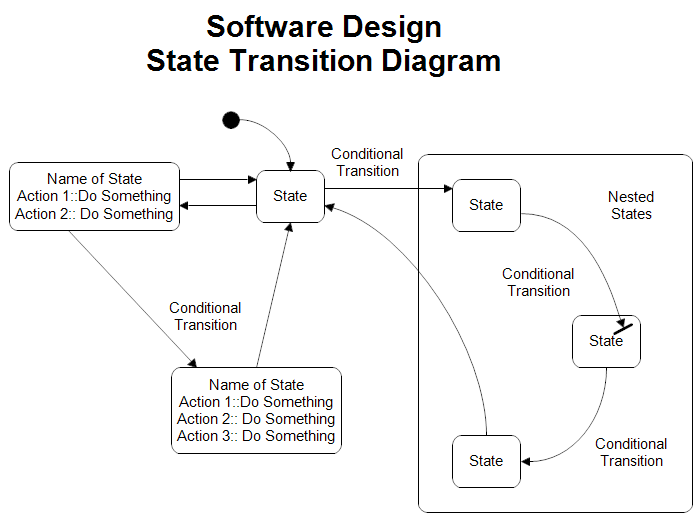
State Transition Diagram
 button. Scroll to the Software Design folder and click the plus sign to open it.
Click the Booch OOD stencil and then click the Add Stencil button.
button. Scroll to the Software Design folder and click the plus sign to open it.
Click the Booch OOD stencil and then click the Add Stencil button.
 Loveland CO 80539-1244 USA